I Built a Portfolio Chatbot (And Learned a Lot Along the Way)
I’ve been quietly working on a new experiment on my portfolio site, and I think I’m finally ready to talk about it. WOOHOO!
I built a small portfolio chatbot. Yeah, yeah, yeah, chatbots are everywhere and most of them stink and never answer questions well. I know that not every experience needs a chatbot, but I’m genuinely excited about conversation design and wanted to learn by doing, in public, with real constraints.
Why I built it
I kept thinking about how people experience a portfolio site. In my case, the people looking might be people in marketing, people interested in AI or recruiters.
We know that portfolios are static. But the questions people have aren’t.
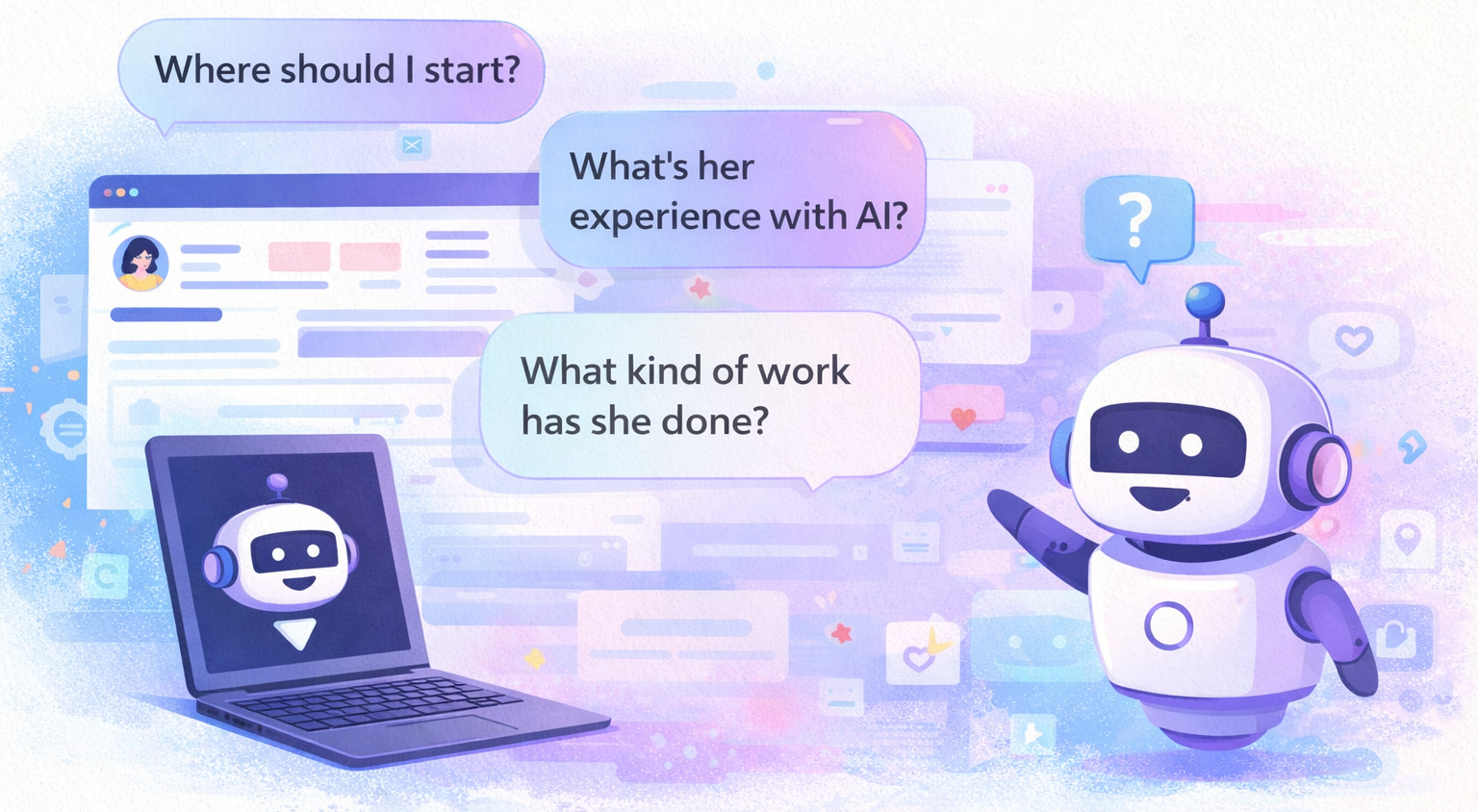
“Where should I start?”
“What kind of work has she done?”
“What’s her experience with AI?”
Instead of forcing visitors to hunt for answers across pages, I wanted to explore what it would look like to let them ask — and to design that interaction intentionally.
What I built
The result is DanieleBot, a lightweight, homepage-only chatbot that:
• Answers questions about my work and experience
• Links to relevant projects
• Uses prewritten prompts to reduce friction
• Opens once on a first visit (then moves out of the way)
• Declines questions it shouldn’t answer instead of guessing
It’s very much a work in progress, and that’s part of the point.
How I built it
This wasn’t a "follow-a-tutorial" exercise. It was a decision-making exercise. I used Make.com to learn orchestration and constraints and I’m now focusing on Dialogflow to go deeper on intent modeling and dialogue management.
I built the front end with HTML, CSS and JavaScript, and wired the back end through Make.com with an OpenAI model that handles responses. I added client-side logic to control behavior (in this case, mostly a recruiter, who would be the most likely to have questions), scope and guardrails.
And yes, I used ChatGPT extensively along the way. Not to “do it for me,” but as a thinking partner:
I debugged JavaScript, talked through edge cases, stress-tested logic, and got help thinking through UX and conversation-design decisions. The back-and-forth was just as valuable as the final code.
The hiccups (and why they mattered)
This project was full of small but important lessons.
One of the first issues I ran into was the bot confidently answering a personal question it didn’t actually know the answer to. That was a wakeup call that forced me to stop and ask: What should this system be allowed to say? And when should it refuse to answer?
I also ran into UX questions that don’t have obvious answers:
• Should it auto open or stay tucked away as a little icon in the corner?
• How much context is too much on a first interaction?
• What happens if it stops responding?
• When does something feel helpful vs. intrusive?
None of those are purely technical problems — they’re design problems.
What I learned
A few things became very clear, very quickly:
• LLMs will confidently guess if you let them. And boy, are some of the answers interesting. Guardrails and scope matter more than clever prompts.
• Good conversation design is about constraints and not flashiness. At one point I got caught up in color schemes and beauty, but I reeled myself back in. That stuff can come later. The most important choices were what the bot shouldn’t do and how to make it work optimally.
• Small UX decisions have huge impact. The bot opening once vs. every time, using suggested prompts or declining certain questions all dramatically change how the experience feels.
• Building it on a public space exposes better questions than a private demo. Having others test it, monitoring the input/output on the back end and experiencing every hiccup is teaching me more than a “perfect” prototype would have!
Things I’m already thinking ahead about
Even though this version is live, I’m treating it as a continual learning experience and not a finished product. A few things I’m already thinking about as I keep experimenting:
• Usage limits and failure states
What’s the most graceful way for a system like this to behave if it gets a lot of traffic (keep dreaming, girl) or temporarily can’t respond? When should it explain itself, and when should it quietly move aside?
• Scope and boundaries
Deciding what the bot shouldn’t answer turned out to be just as important as what it can. I’m thinking a lot about how to design clear, respectful refusals that don’t feel awkward or defensive.
• First-time vs. repeat visitors
The experience for someone landing on the site for the first time should feel different from someone returning. How much context is helpful before it becomes noisy?
• Signal vs. novelty
At what point does an interactive element add clarity, and when does it risk becoming a distraction? I’m paying close attention to whether this even helps people understand my work faster.
• Ethics and trust
This project reinforced how easily AI systems can sound confident even when they’re wrong. Designing for uncertainty, transparency and restraint is something I’m prioritizing as I learn more and more.
Why I’m sharing this
I’m SUPER excited about this kind of work — not just using AI but designing how people interact with it responsibly.
This project gave me a lot of practice in writing, UX, systems thinking and ethics. That’s exactly where I want to keep learning.
If you’re curious, it’s live on my homepage. Feel free to poke at it!
And keep an eye here on my blog for more conversation design talk. I joined the Conversation Design Institute and am working through the CXD curriculum to deepen my skills in intent modeling, dialogue flow and conversational UX.!

0 Comments Add a Comment?